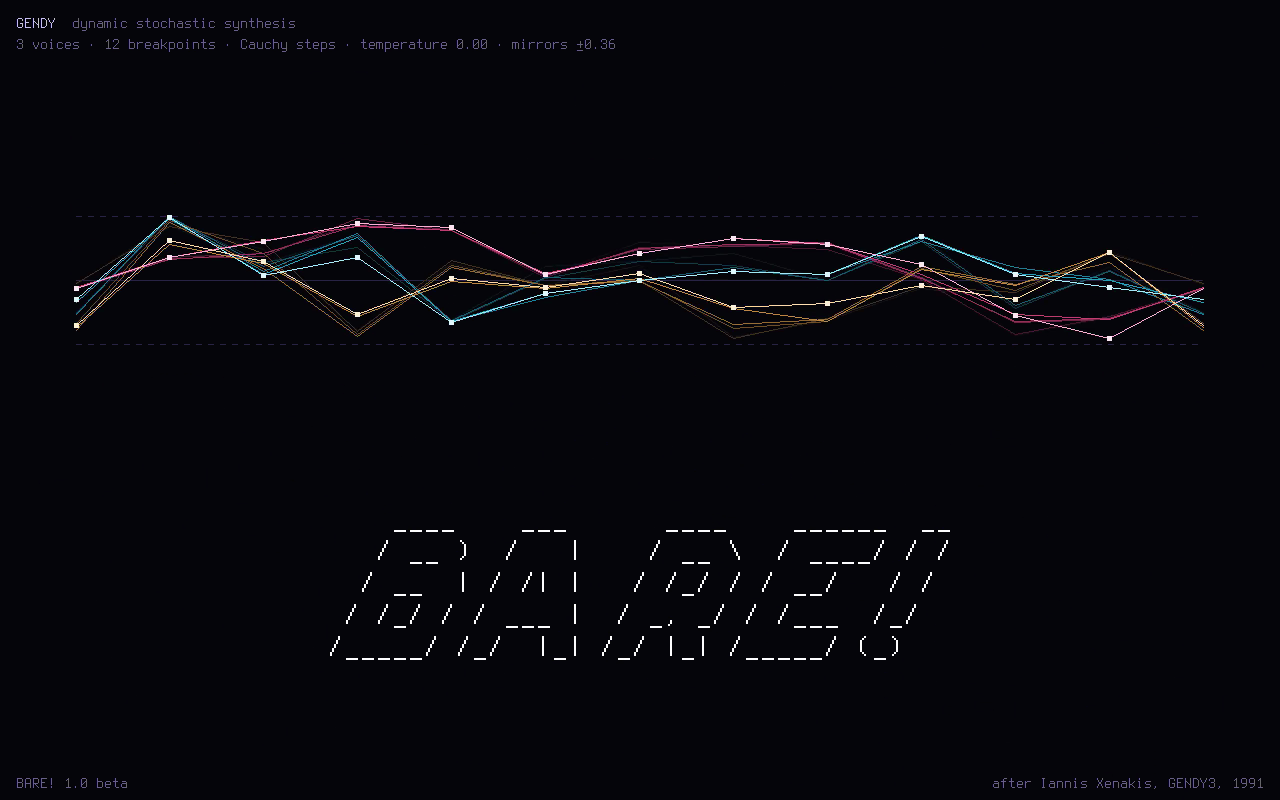
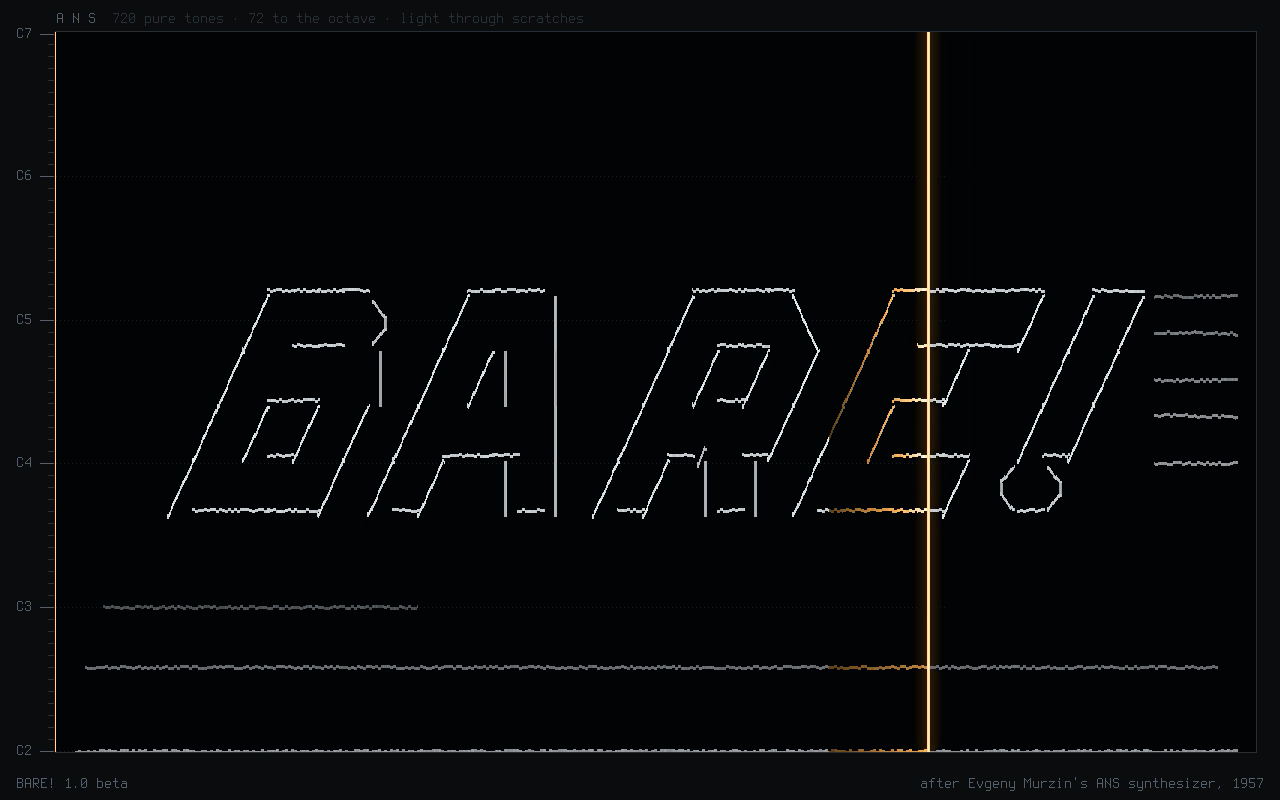
One of the four splashes it plays as it starts: GENDY, after Xenakis's dynamic stochastic synthesis.
NO OPERATING SYSTEM
BARE! is the program the PC starts, and nothing else runs: the keys, the screen and the sound chip belong to the instrument.
OLD PCS AND NEW
Any PC since the Pentium Pro, from 32 MB of memory up, BIOS or UEFI. It sizes itself to what it finds.
YOUR WORK ON THE STICK
It runs from memory, so the stick can come out while you play. Projects, songs and your own instruments are saved on it.
An omnichord you play like the real one, a lineage of homages with their histories, and Doom's first level as breakcore. This is the first release, a beta: it works, and it is still being tried on more machines.
F1 PLAY
An OM-108 on the keyboard
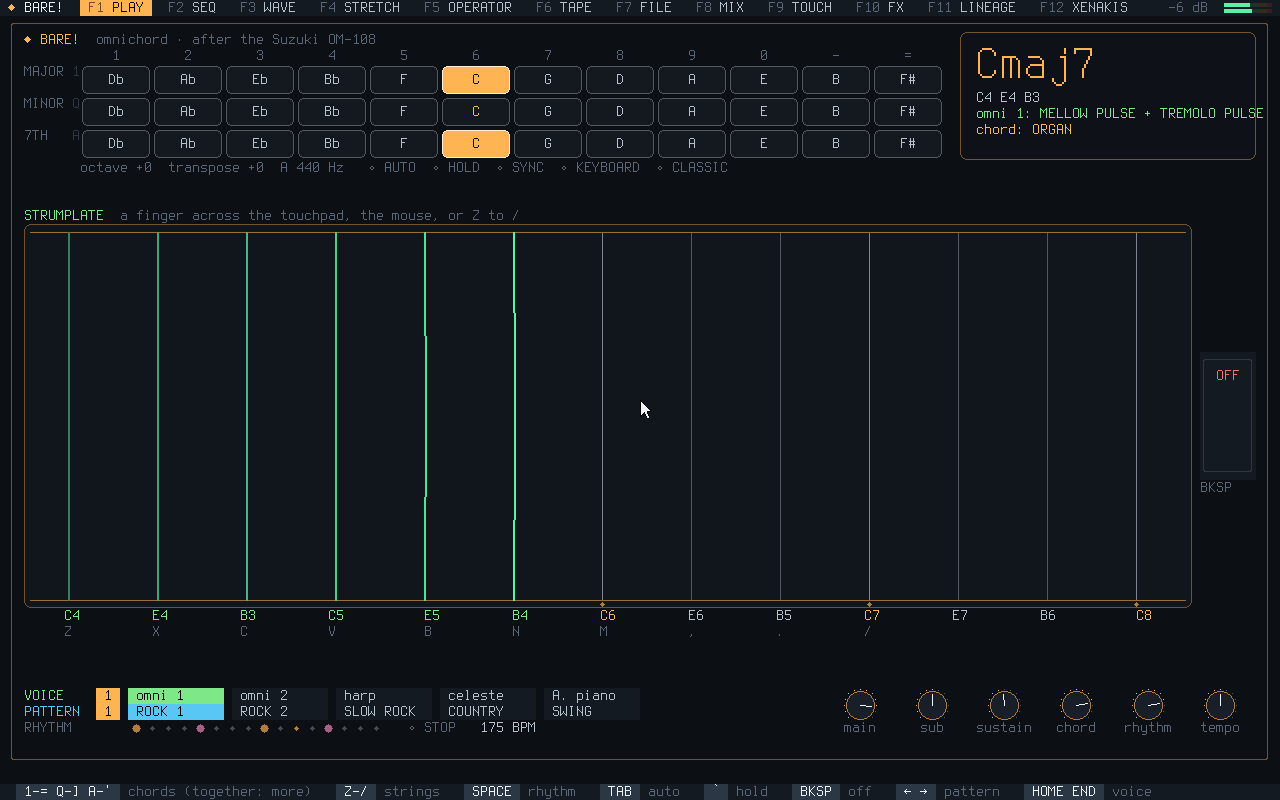
PLAY is laid out after Suzuki's OM-108 and its owner's manual. The three letter rows are its MAJOR, MINOR and 7th chord buttons, pressed together for maj7, m7, dim, aug, sus4 and add9; the bottom row and the touchpad are its 13-string strumplate.
Ten voices, ten rhythms that change at the next bar, AUTO chords and bass, HOLD, SYNC START, a keyboard mode with drums, and MIDI out on its channels.
Try it: hold 6 and run a finger along the keys from Z to /.
F11 LINEAGE
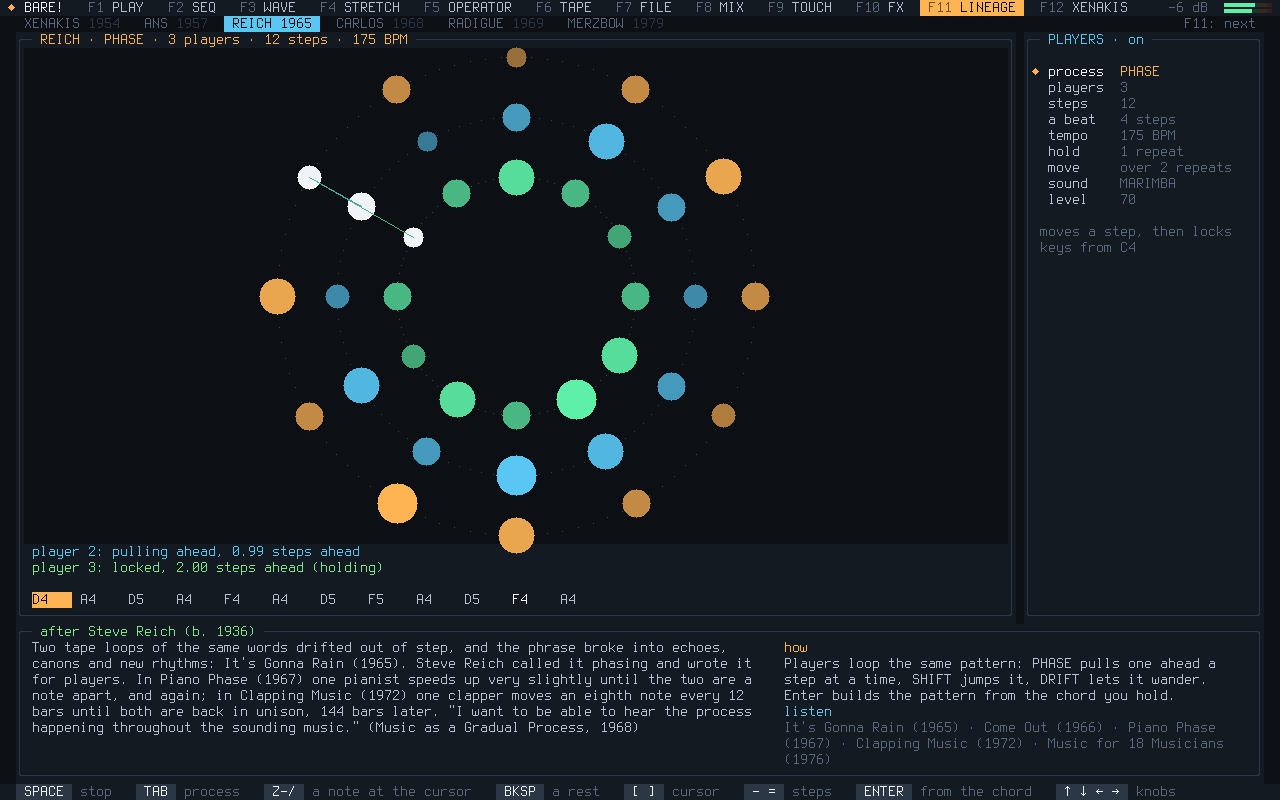
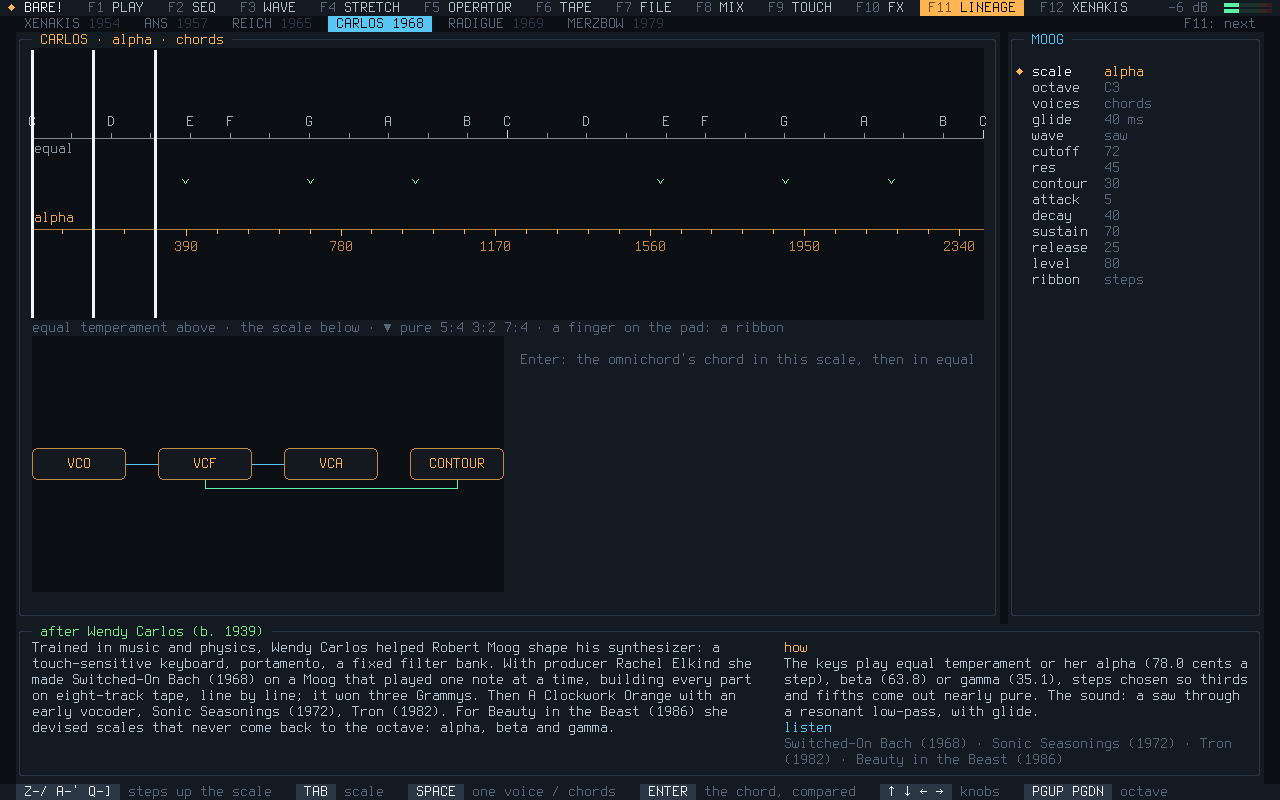
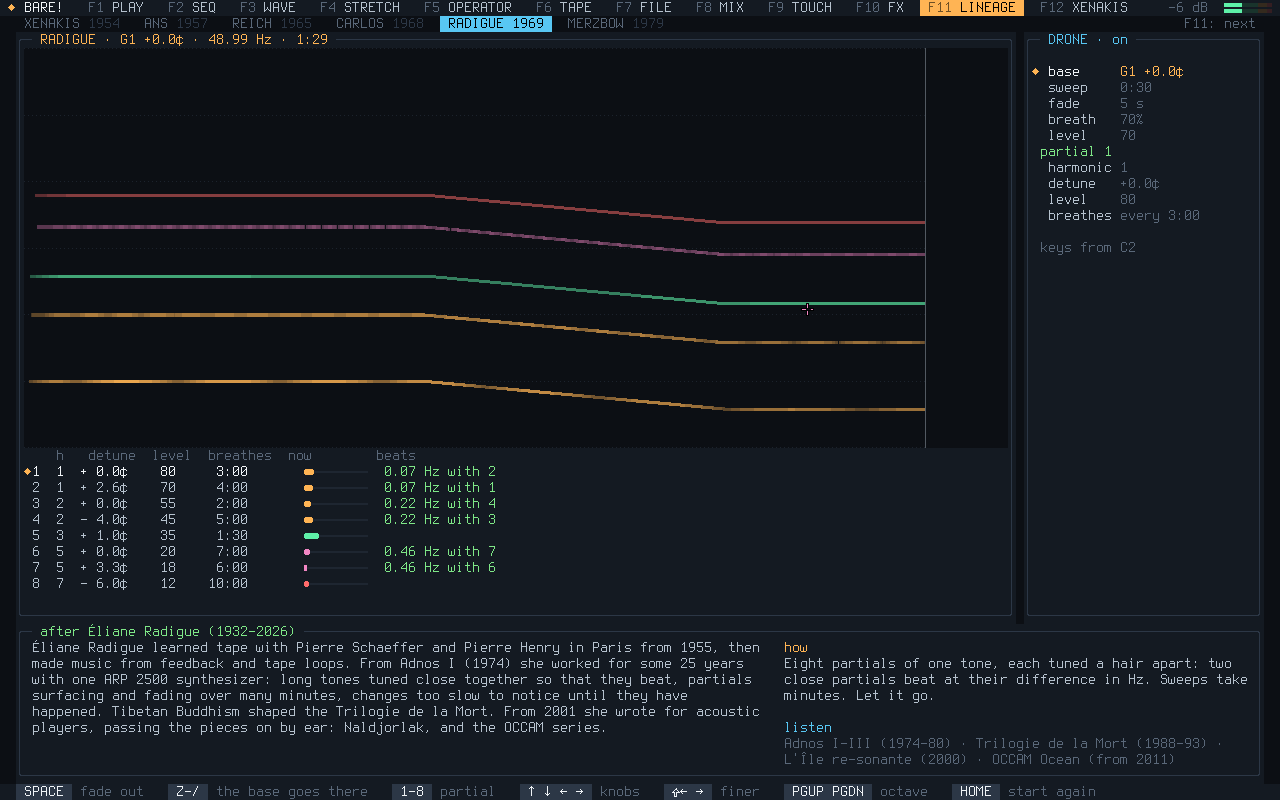
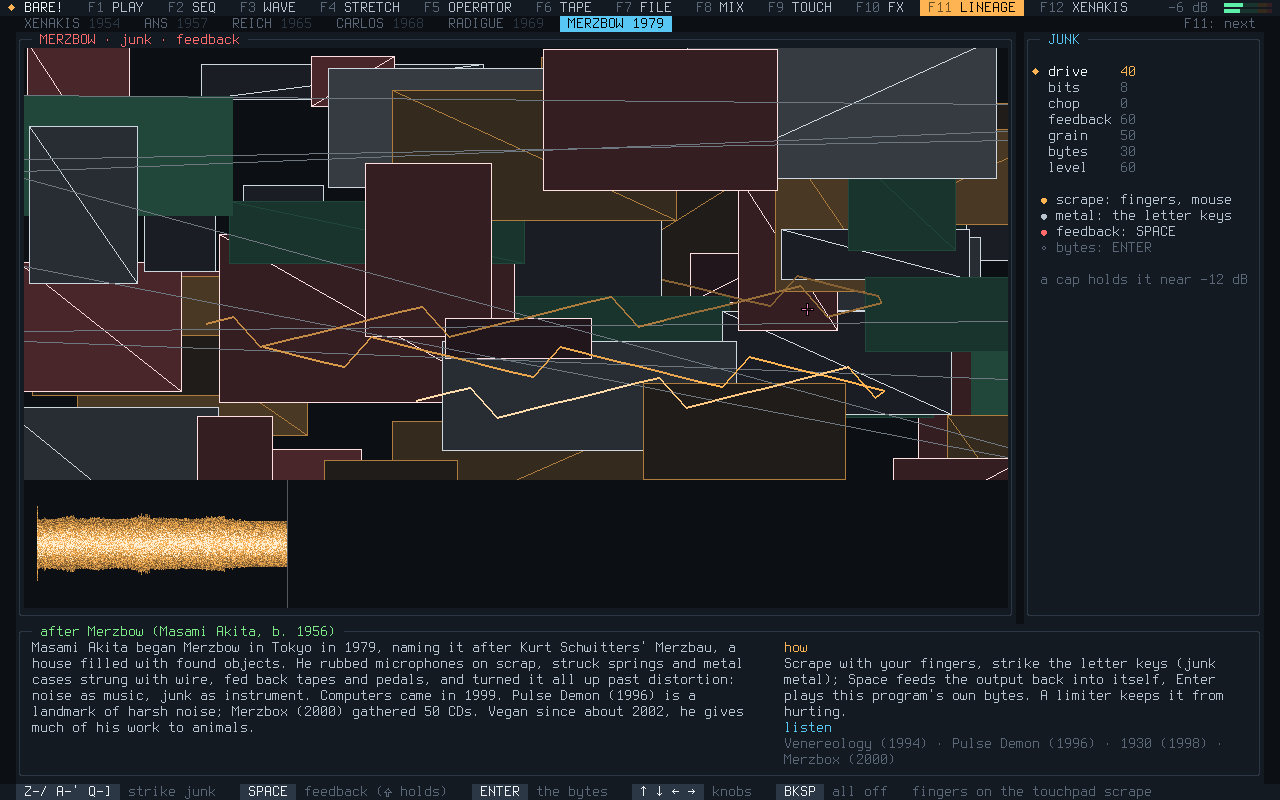
Six homages, each with its history
Instruments after the people who made the music: Iannis Xenakis, with five views of his own; Murzin's ANS synthesizer, with a drone sketch after Coil; Steve Reich's phasing; Wendy Carlos's alpha, beta and gamma scales; Éliane Radigue's slow drones; Merzbow's noise from junk.
Each one plays, and each has a short history beside it: who, how, and what to listen to. TOUCH has one too: Michel Waisvisz and his Crackle Box.
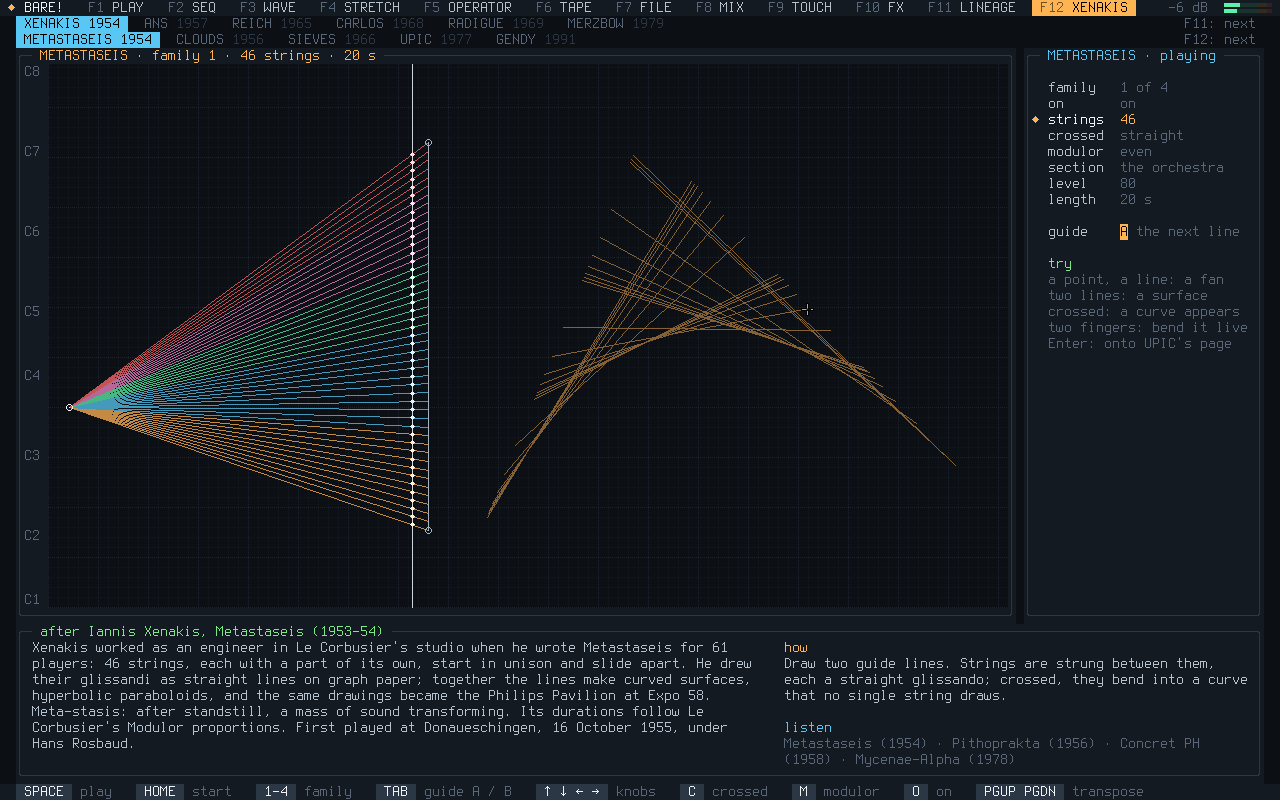
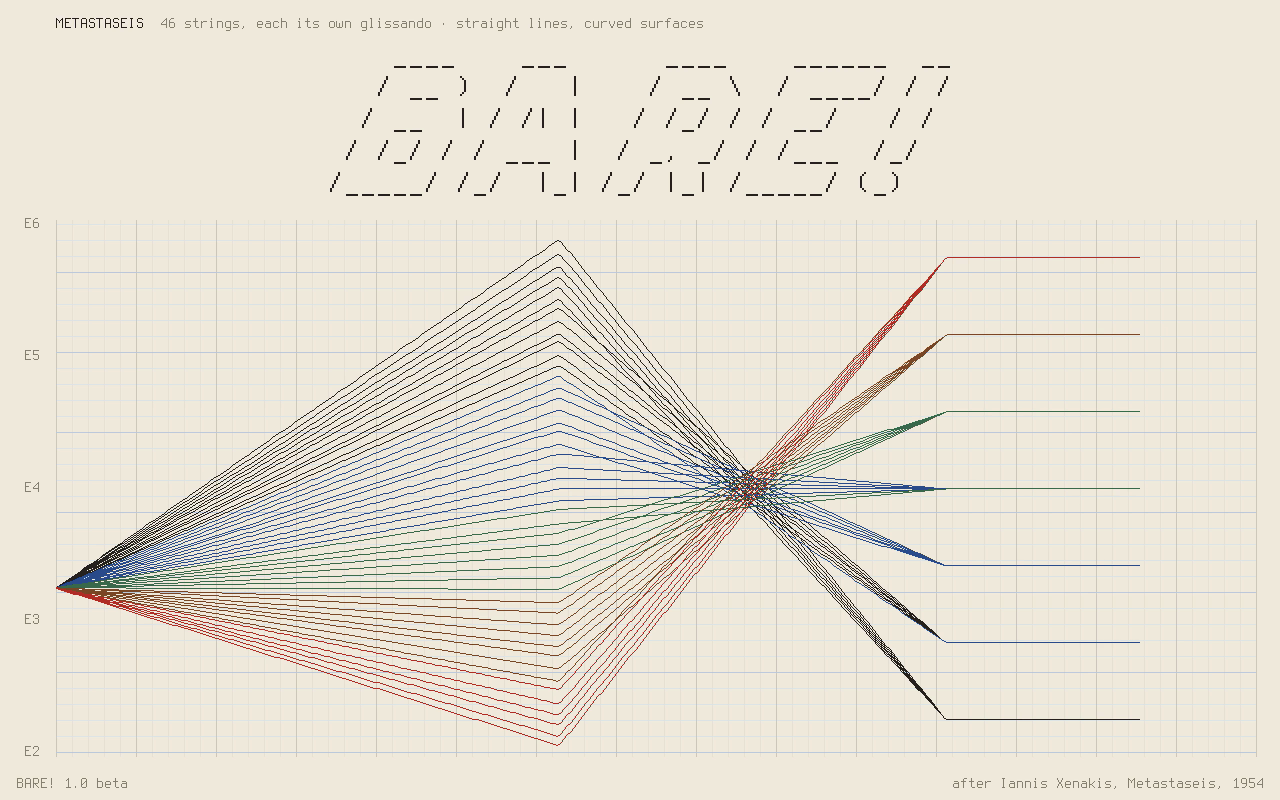
In 1954 Iannis Xenakis drew 46 string glissandi as straight lines on graph paper, and together they made curved surfaces — the same surfaces became the Philips Pavilion.
Here you set two guide lines, the strings are strung between them, and the surface turns in 3D while it sounds. Enter writes it onto UPIC's page.
F2 SEQ · Shift+4
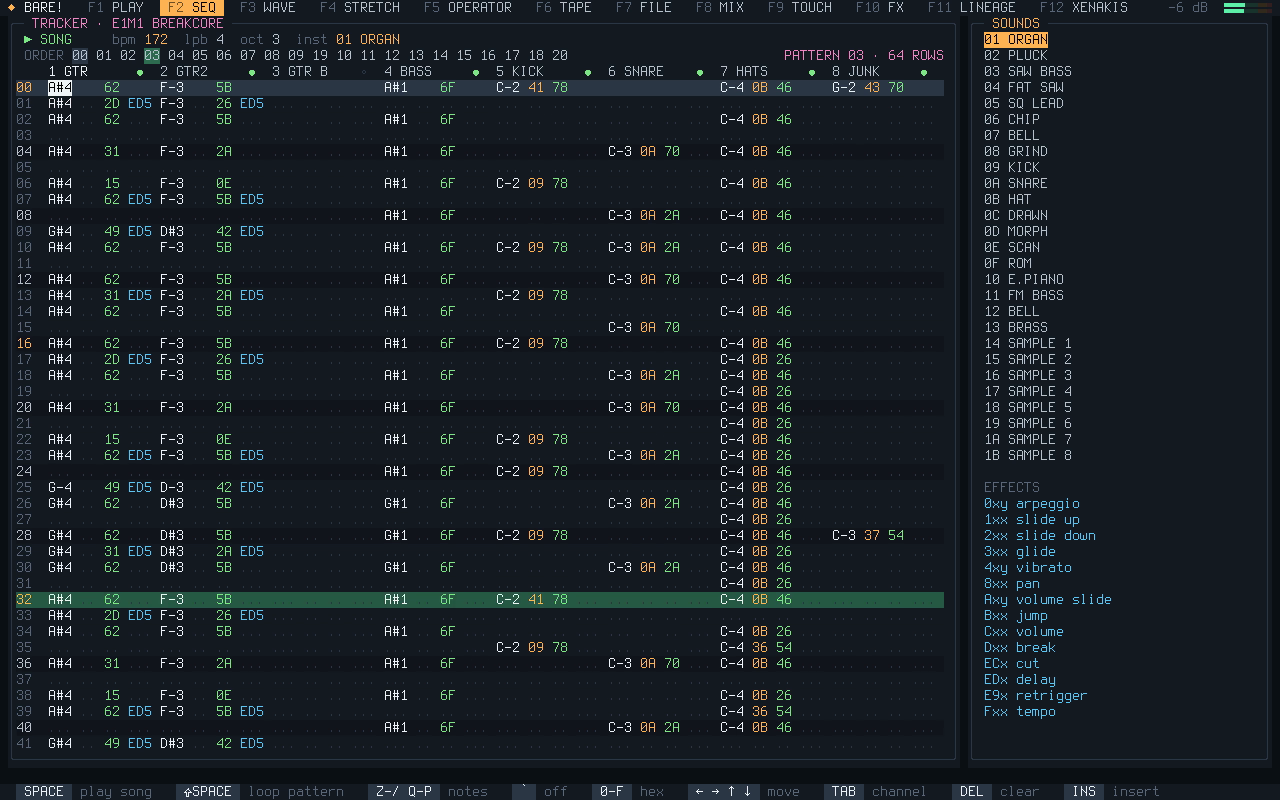
E1M1, as breakcore
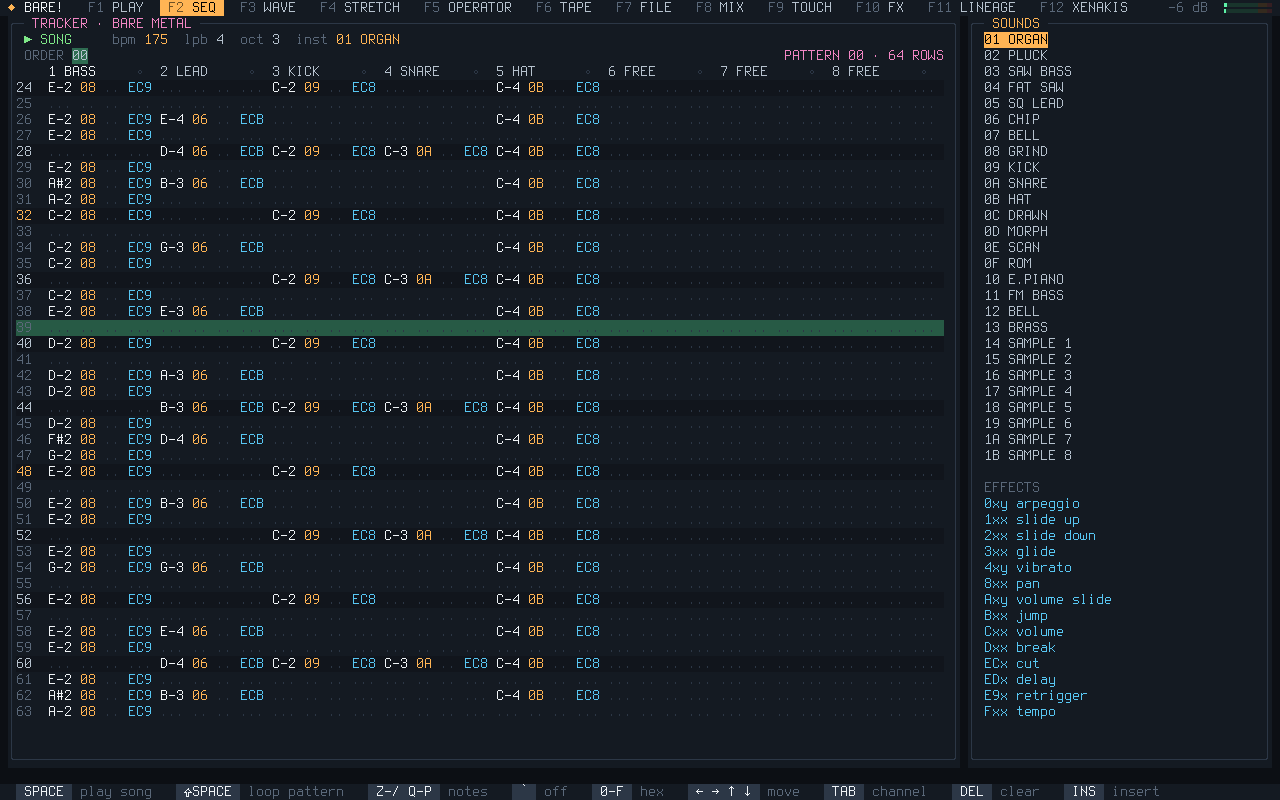
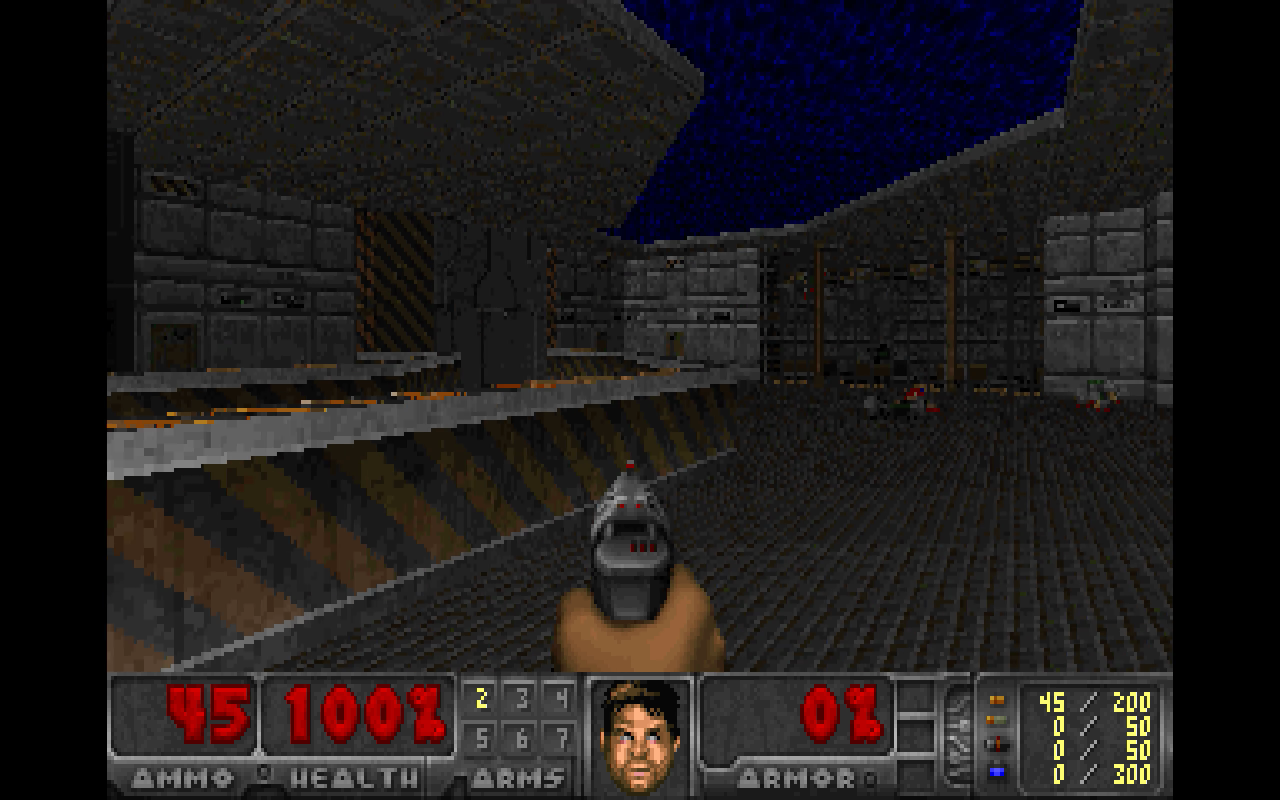
The tracker reads Doom's first-level music from the WAD on your stick — yours, or Freedoom's — and lays it out on its grid: guitars and bass under chopped breakbeats at 172 BPM, snare rolls, stutters, a breakdown and a tape stop.
The notes come from your WAD; the arrangement is BARE!'s. The picture is Freedoom's E1M1.
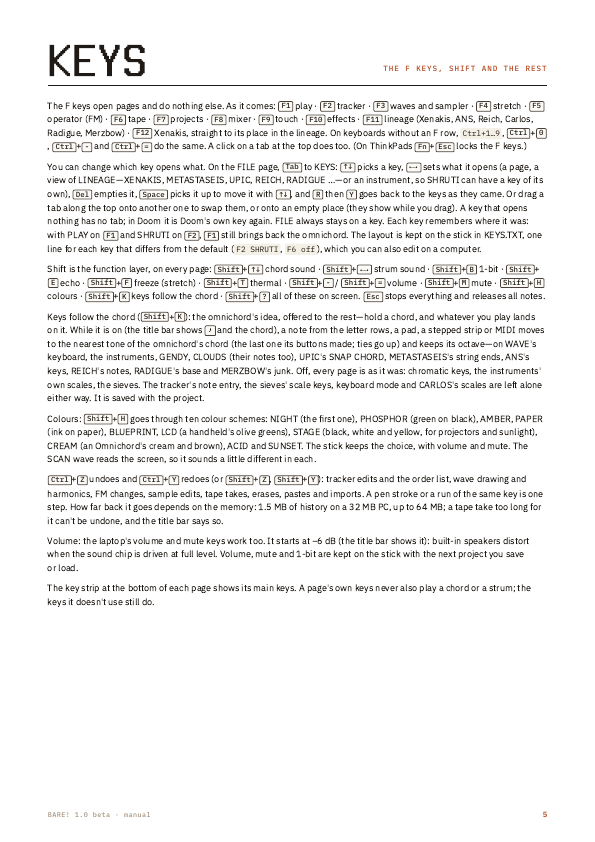
Keys follow the chordShift+K: hold a chord on PLAY, and what you play on the other pages lands on it.
Your F keysEach opens a page, a view, an instrument or nothing: on FILE's KEYS view, or drag the tabs.
In time with othersMIDI in and out over serial ports and USB, its clock both ways, and Ableton Link's tempo and beat.
A page on each F key, and they all play at once: a song on the tracker, a chord held on PLAY, the tape rolling.
F1
PLAY
An omnichord after Suzuki's OM-108: the three letter rows are its chord buttons, the bottom row and the touchpad its 13-string strumplate, with a rhythm section whose chords and bass follow you. F1 again goes on to the instruments made from text files.
Cmaj7: C with the 7th button beside it. The strings take the chord.
F2
SEQ
A tracker: patterns of eight channels, an order list, effect columns, every note on the exact sample.
One of the demo songs, playing.
F3
WAVE
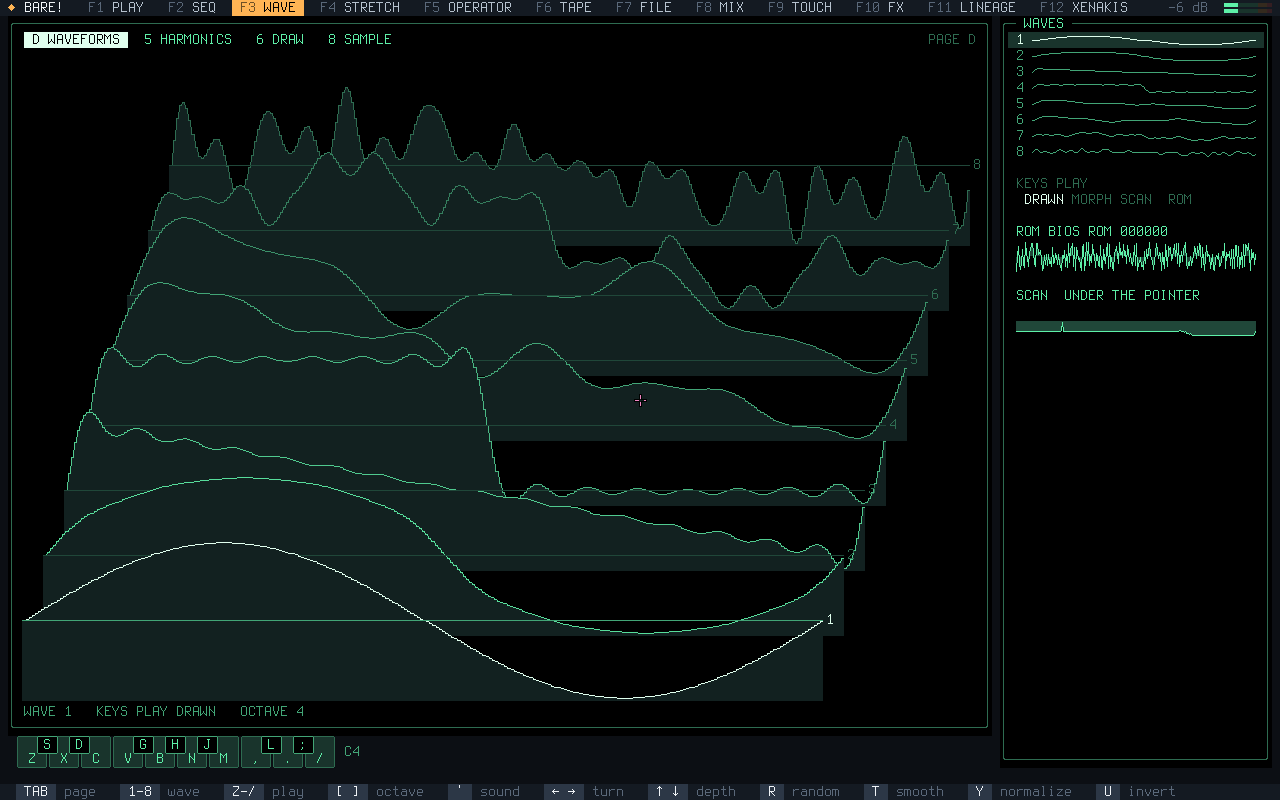
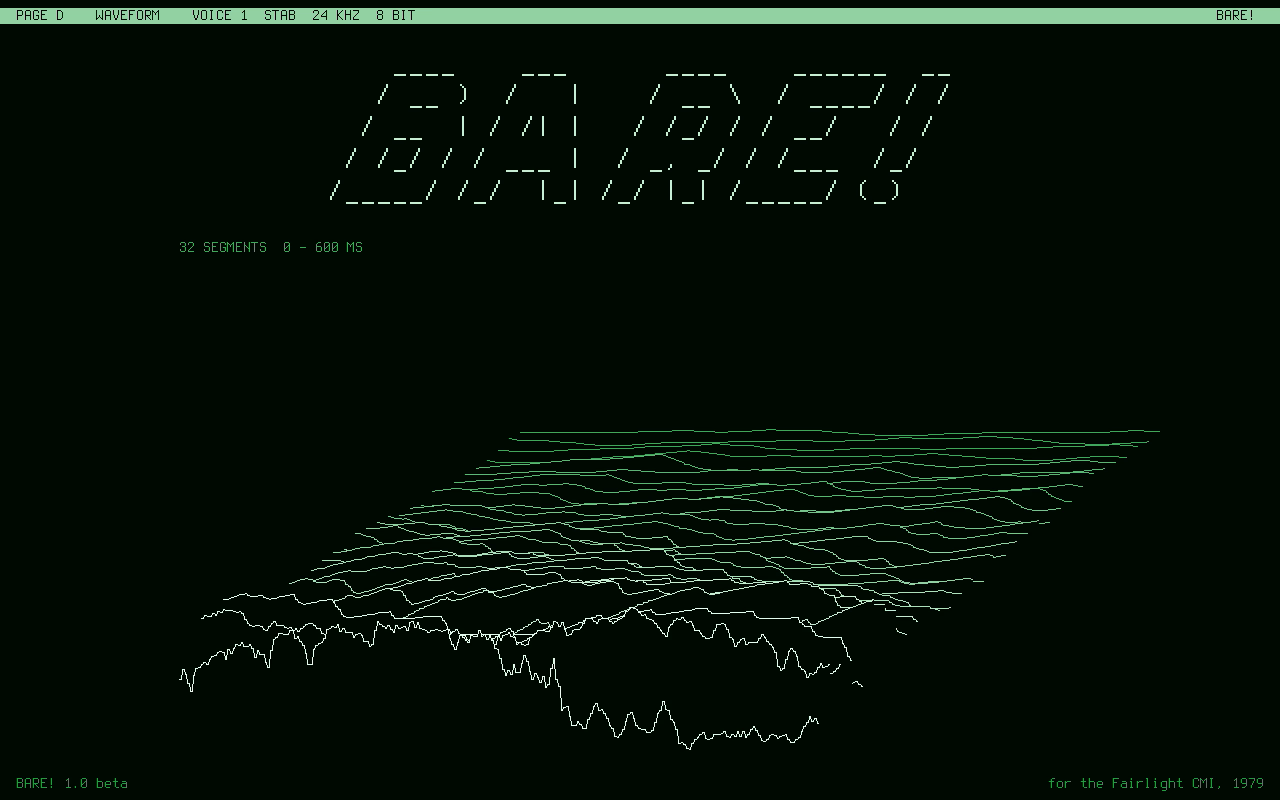
A Fairlight-style page, green on black: waves drawn with the touchpad, harmonics, a 3D stack of them, and a sampler.
The eight waves, stacked in 3D.
F4
STRETCH
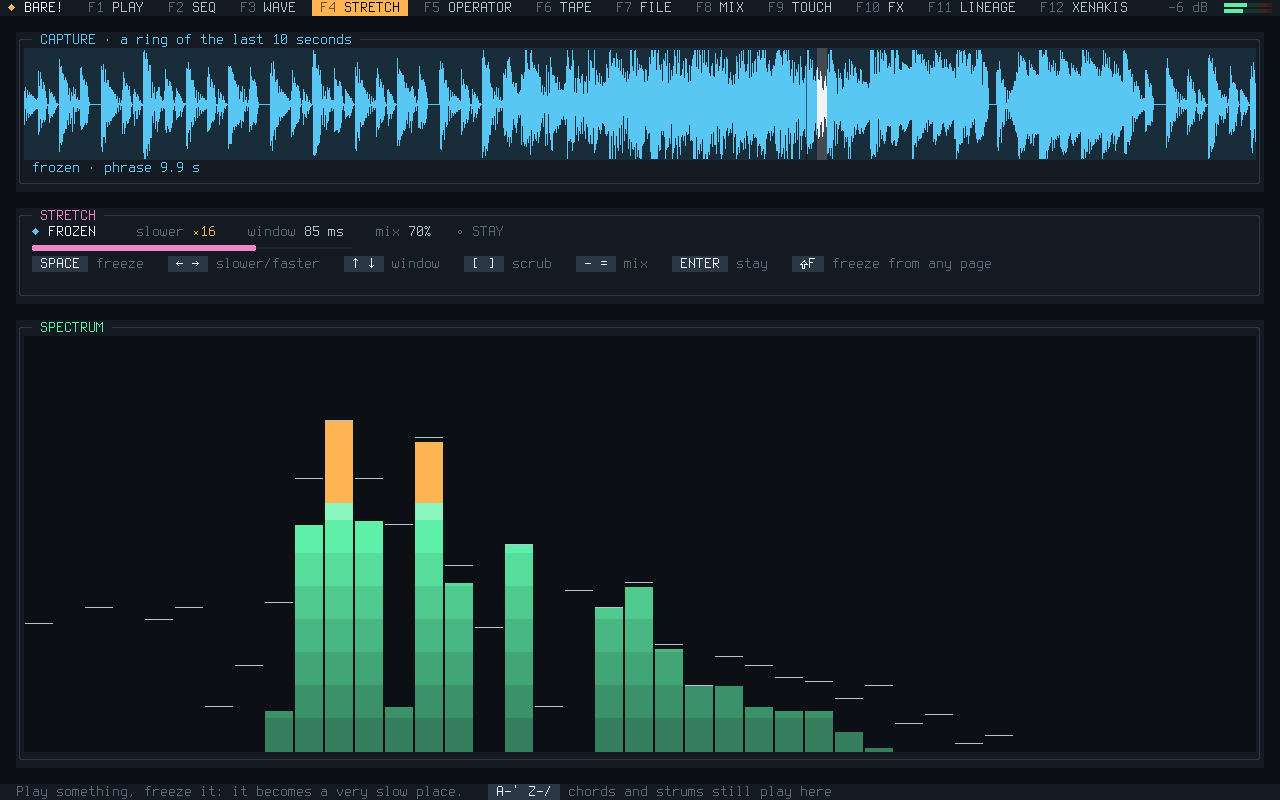
Freezes the phrase you just played and stretches it, up to a thousand times slower, while you play on.
F5
OPERATOR
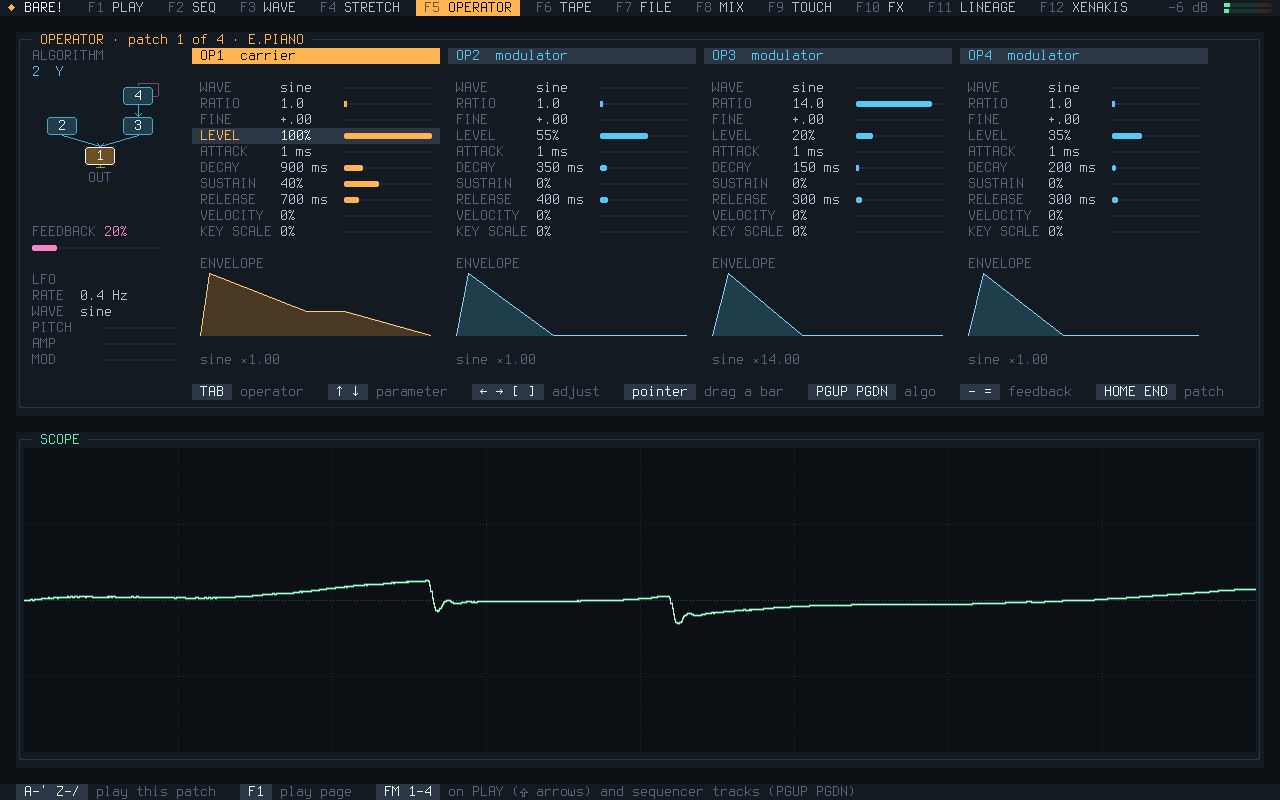
Four-operator FM: eight algorithms, envelopes, an LFO, four patches to play anywhere.
F6
TAPE
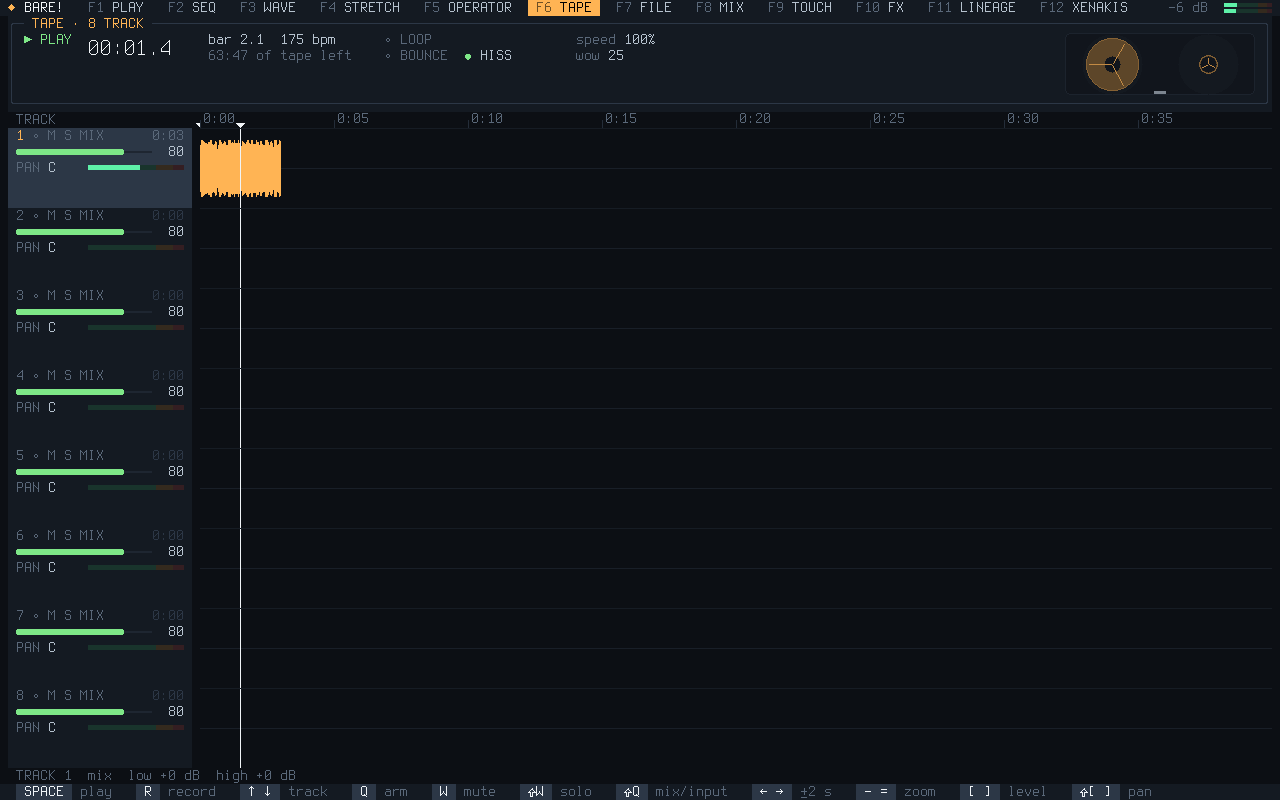
An eight-track tape with reels, wow and hiss: record, overdub, loop, bounce, build whole songs.
F7
FILE
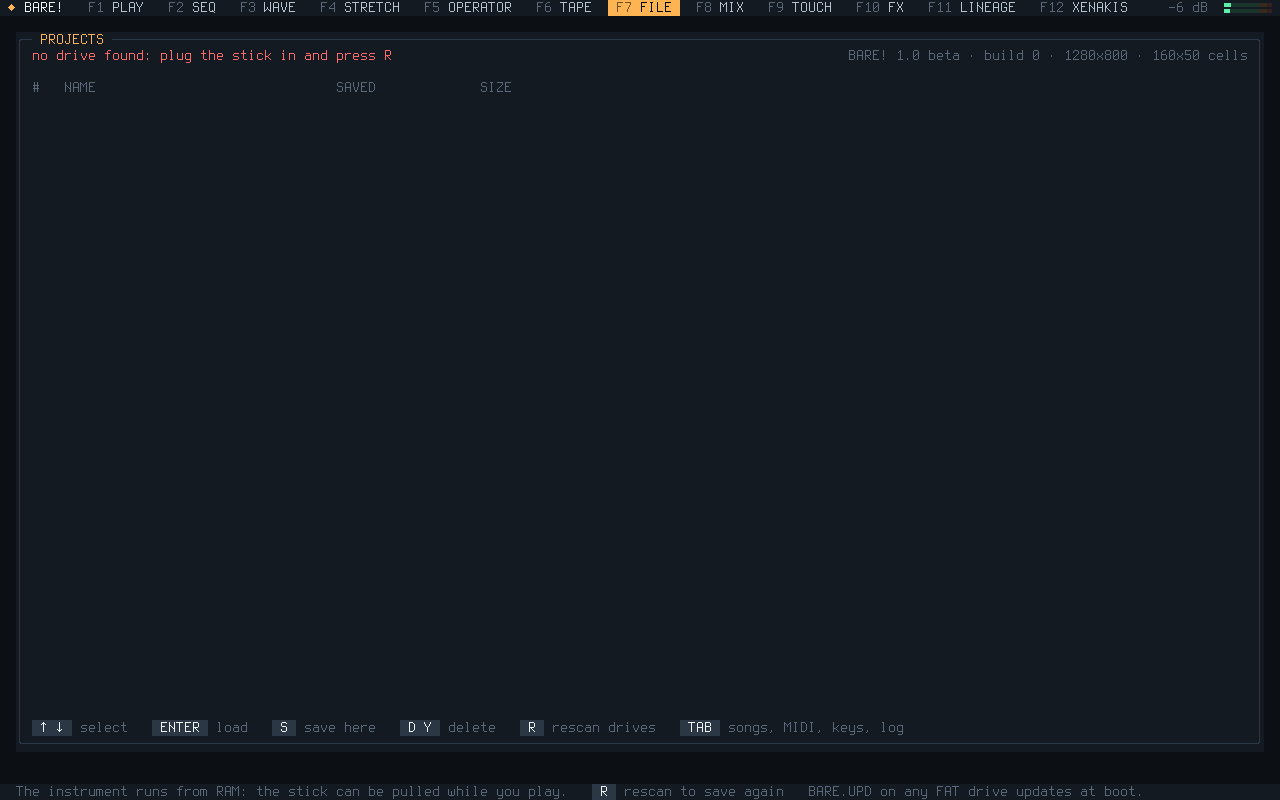
Projects on the stick, songs out as WAV, MIDI and Ableton Link, which key opens what, the log, and an installer.
Projects on the stick.
F8
MIX
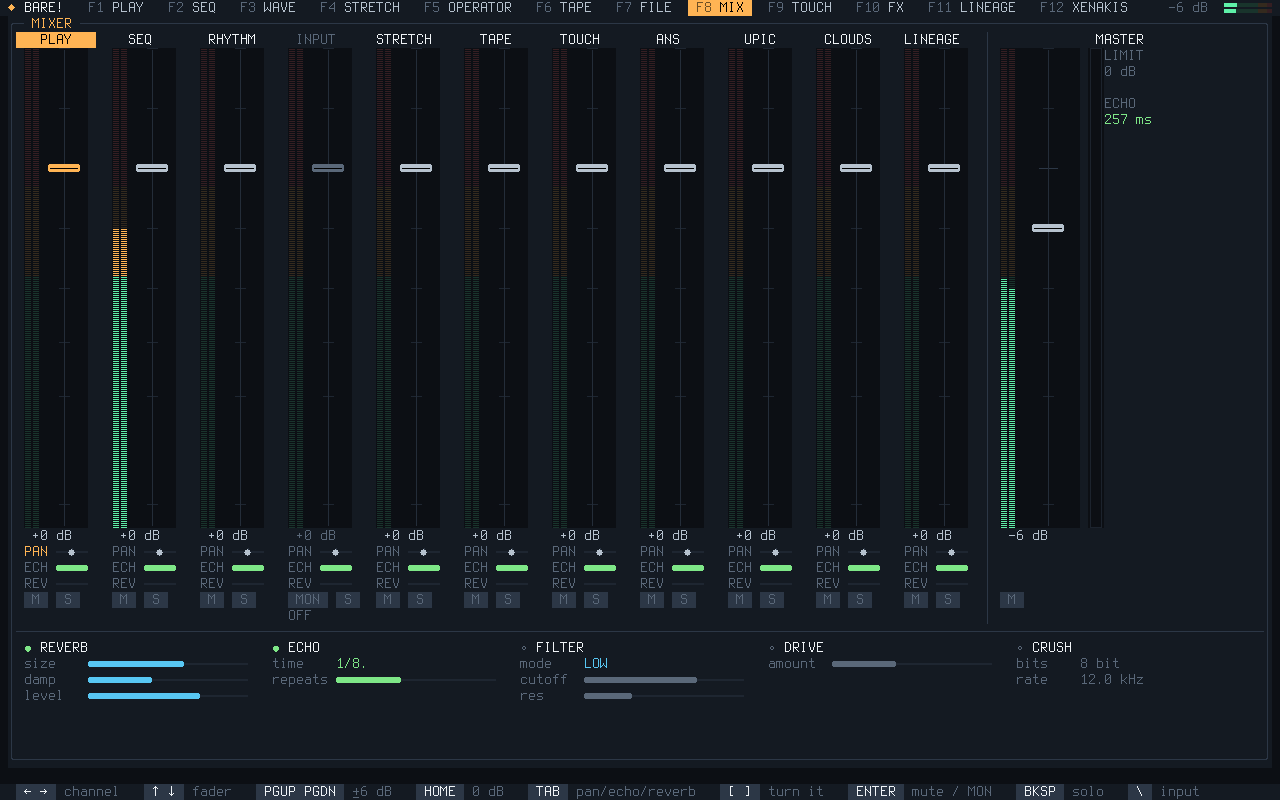
A strip for every source, sends to an echo and a reverb, and a filter, drive and crusher on the master.
F9
TOUCH
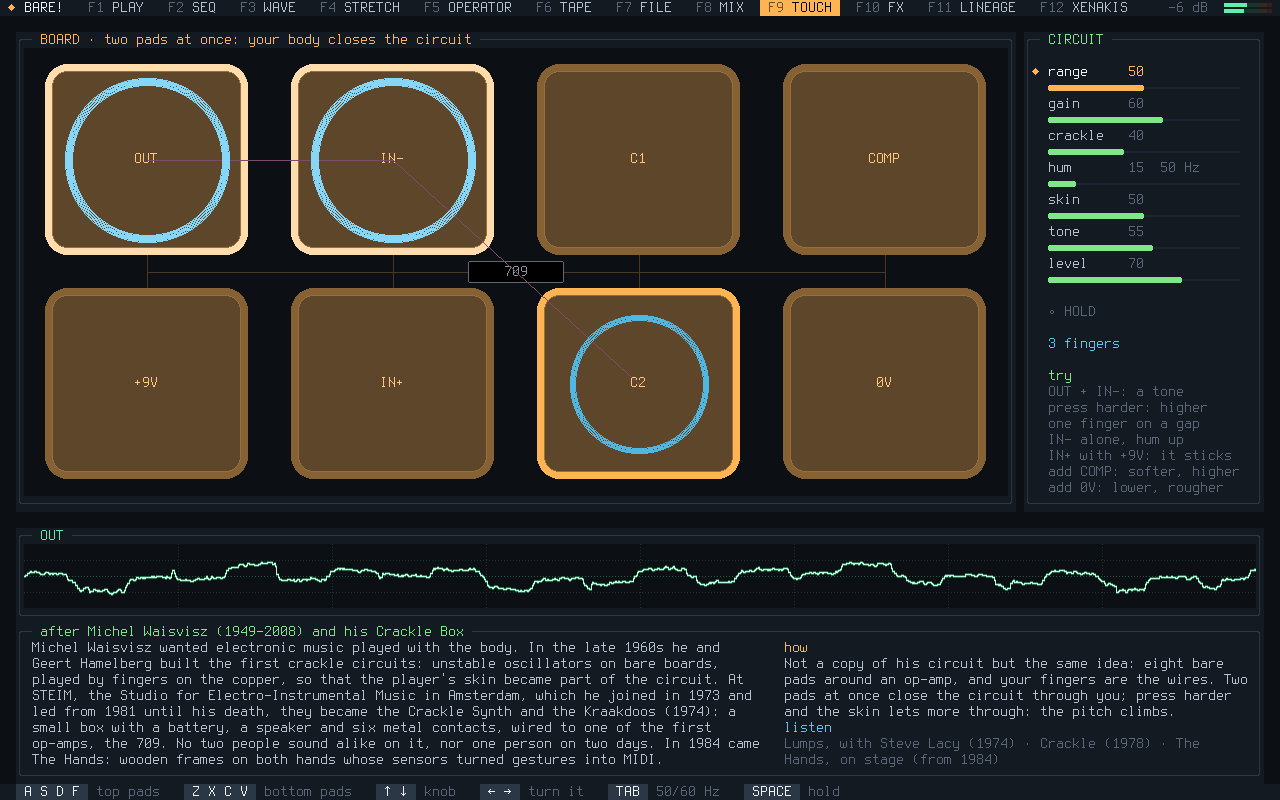
A crackle box after Michel Waisvisz's Kraakdoos: the eight bare pads of a small circuit. Fingers close it, pressing harder bends it, and under the board is his story.
F10
FX
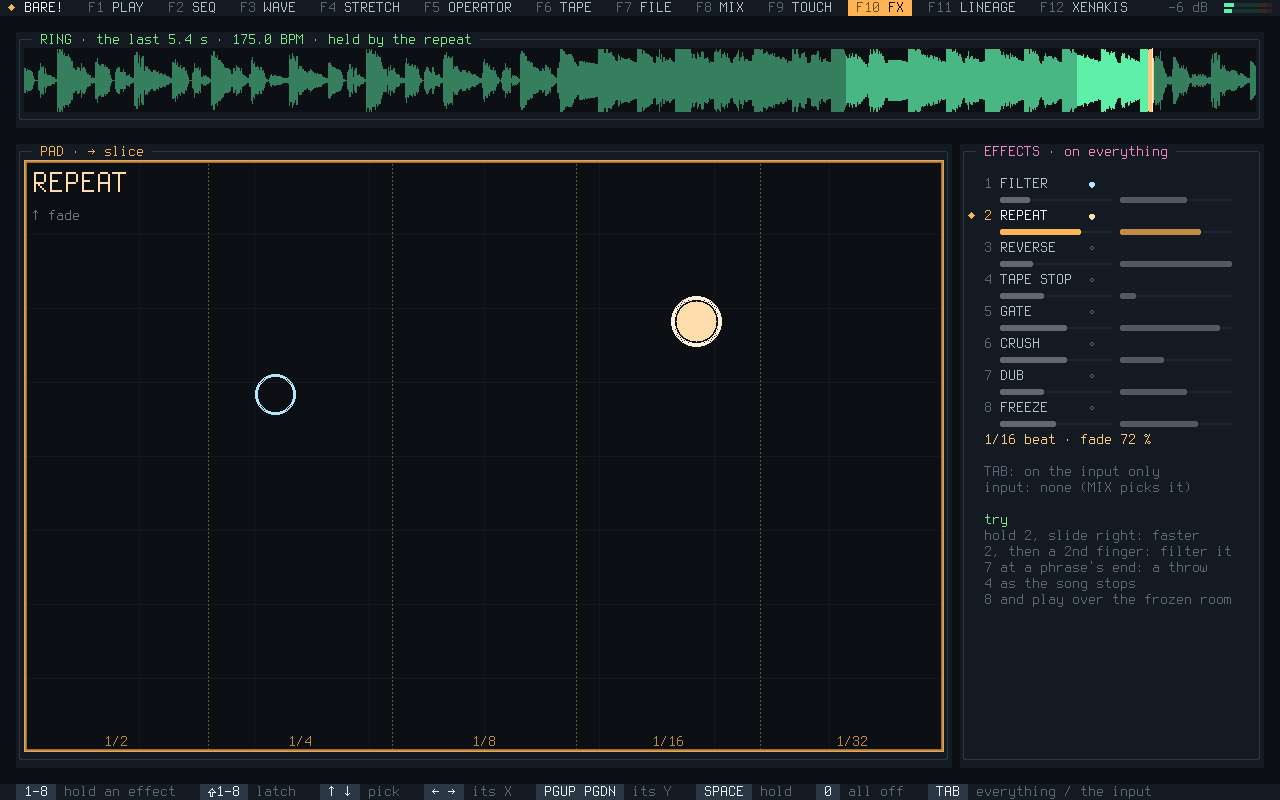
Effects to play live over a song: repeat, reverse, tape stop, gate, a dub throw, a reverb freeze.
F11
LINEAGE
Homages you can play, each with a short history: who made the music, how, and what to listen to. XENAKIS is the first of them, with five views of its own.
Iannis Xenakis: METASTASEIS, CLOUDS, SIEVES, UPIC and GENDY on a bar of their own. F12 goes straight there.
F12
XENAKIS
Inside LINEAGE, on a key of its own: five of Iannis Xenakis's ways of making music, in the order he found them.
String glissandi strung between two guide lines: the ruled surfaces of the Philips Pavilion.
You need a USB stick of 256 MB or more — everything on it is replaced — and a PC that can start from USB.
The same image twice: the .zip for Windows and macOS, the .xz for Linux. There is also an ISO for a CD or a virtual machine and a floppy (neither keeps projects), and SHA256SUMS.
Put the stick's name where sdX is. Whatever disk you name is overwritten.
Or balenaEtcher with the .zip, as on the other systems.
Why not straight from this page? A web page can't write to a USB stick: browsers keep disks out of its reach, on purpose, and their USB access leaves storage devices out. So it takes one of these tools, once.
Start the computer from it
Turn Secure Boot off in the firmware settings. Plug the stick in and pick it from the boot menu: usually F12, F9, F8 or Esc at power-on.
Play
When the splash plays, press any key. Hold 6 and run a finger along the keys from Z to /: a C major chord, strummed. The F keys open the pages; Shift+? shows every key.
Already have a BARE! stick? Put BARE.UPD in its root and start from it: it updates itself and keeps your projects.
Got a floppy drive?
BARE! fits on one 3.5" 1.44 MB diskette. It starts a PC that has a BIOS and a floppy drive, an internal one or a USB drive the BIOS boots from, and plays like the stick, but can't save.
macOS, with a USB floppy drive: diskutil list finds it, diskutil unmountDisk /dev/diskN, then sudo dd if=bare-1.0-beta-floppy.img of=/dev/rdiskN bs=18k.
Put the floppy first in the BIOS boot order and start the PC. The drive reads for about a minute, then the splash plays.
Booted in emulators so far. GRUB starts it: Limine, the stick's boot loader, can't read floppy drives.
PLAYED ONA ThinkPad X250 and an ASUS VivoBook (Intel 12th gen), BIOS and UEFI. It boots on 90 emulated PCs, from a Pentium II with 32 MB to 4K screens.
NOT TRIED YETOn real hardware: AC'97, the Sound Blaster 16, SATA and NVMe disks, the installer and Ethernet. Tried it? Say how it went.
CAREFULThe installer on the FILE page erases the disk you choose. Everything else leaves the computer as it was.
A different splash each time it starts: a short piece, picture and sound.
An instrument is a text file on the stick: what it sounds like, and how it is played — the letter rows, the touchpad as a strip or a grid of pads, an arpeggio, a drone. Five come with it. SHRUTI is a shruti box: its keys open reeds tuned in just intonation, and a finger moving on the touchpad pumps the bellows.
# SHRUTI.TXT, less its commentsname: SHRUTI
[sound]wave: pulse width: 22 detune: 8
attack: 160 release: 500
[play]keys: chromatic C3
tuning: just
hold: toggle
bellows: yes
Type iddqd on any page and it runs Doom, with the WAD on your stick: your own, or Freedoom's. The F keys go back to the synthesizer, and Doom waits. Its music is played by BARE!'s own voices.
38 A4 pages: every page of the instrument with its keys, the instrument files, which machines, and the stick. Made to be printed.
Hardware controllers made for BARE! Boxes of keys, pads, knobs and encoders laid out for its pages — an omnichord's chord buttons and strum plate, a tracker's step keys — built on RP2040 or ESP32-S3 boards, talking USB MIDI.
A musical Etch A Sketch. Two knobs draw one unbroken line, and then the drawing plays.
More machines. An EHCI driver, Realtek Ethernet, and ports: Raspberry Pi, PowerPC Mac, coreboot.