Install
# Arch / Omarchy
git clone https://github.com/willbearfruits/tea-tube
cd tea-tube && makepkg -p PKGBUILD.local -si

# or just run it
./tea-tube
What it looks like
m into half-block mode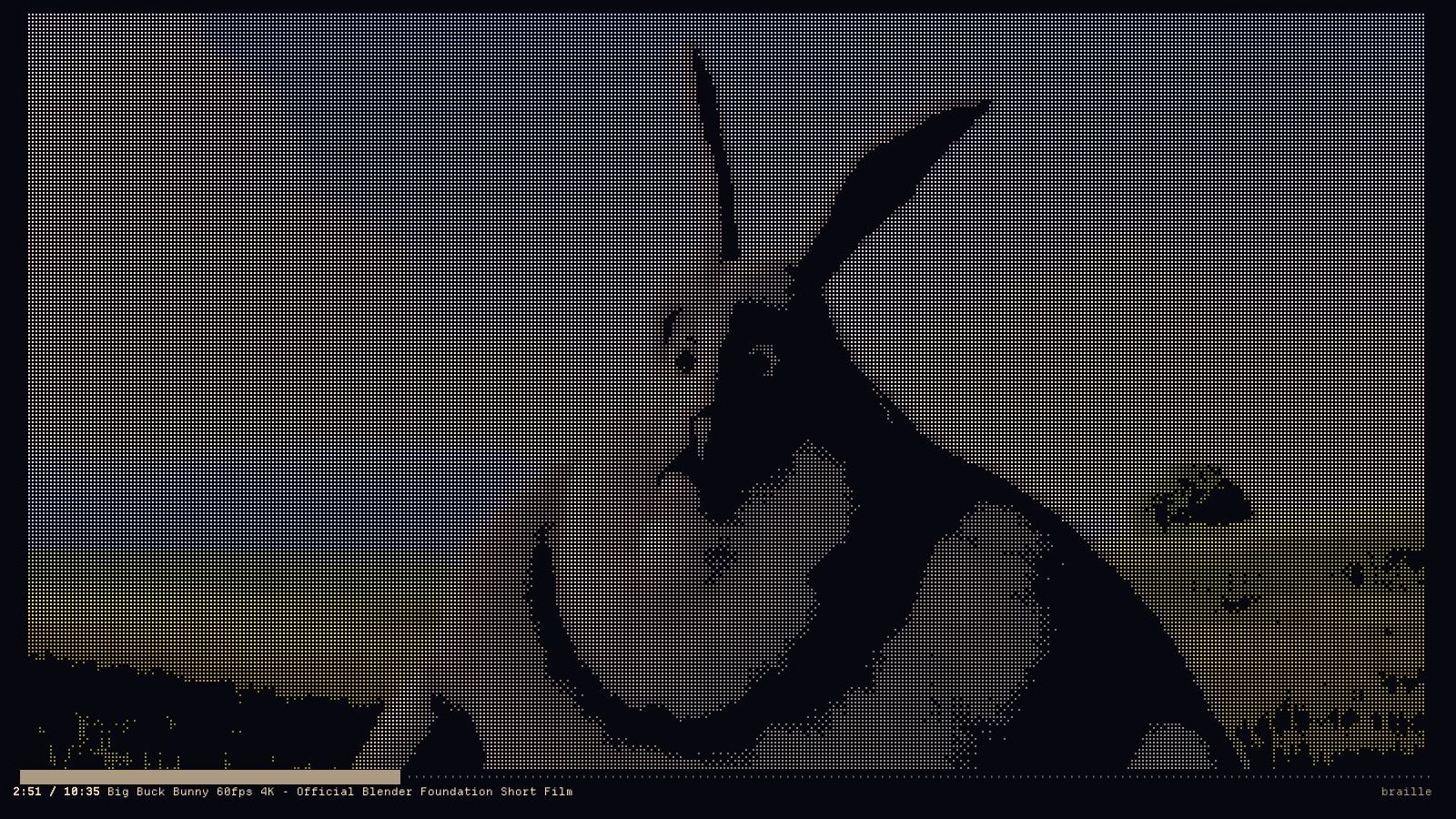
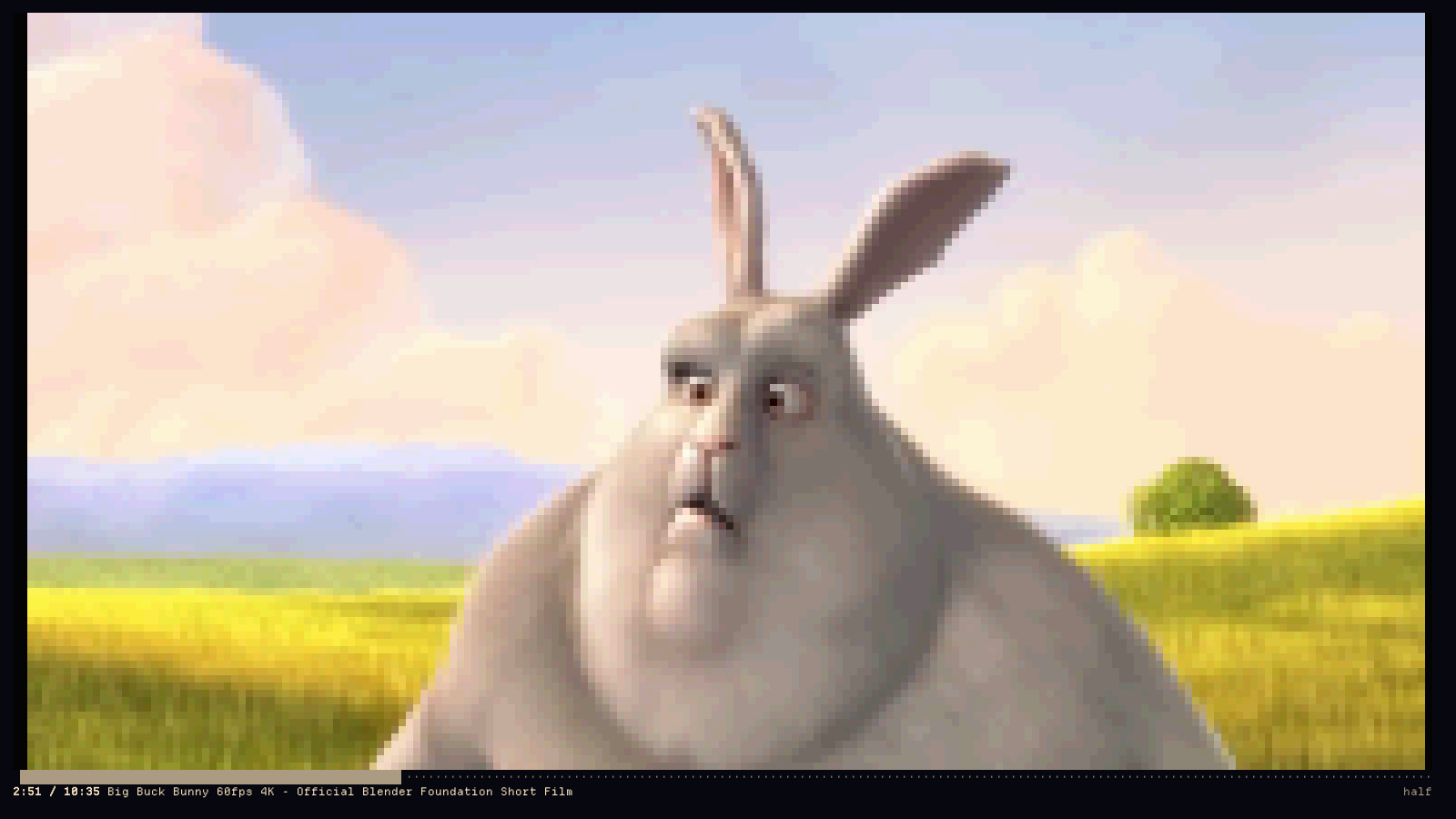
▀ with separate foreground and background: two true pixels per cell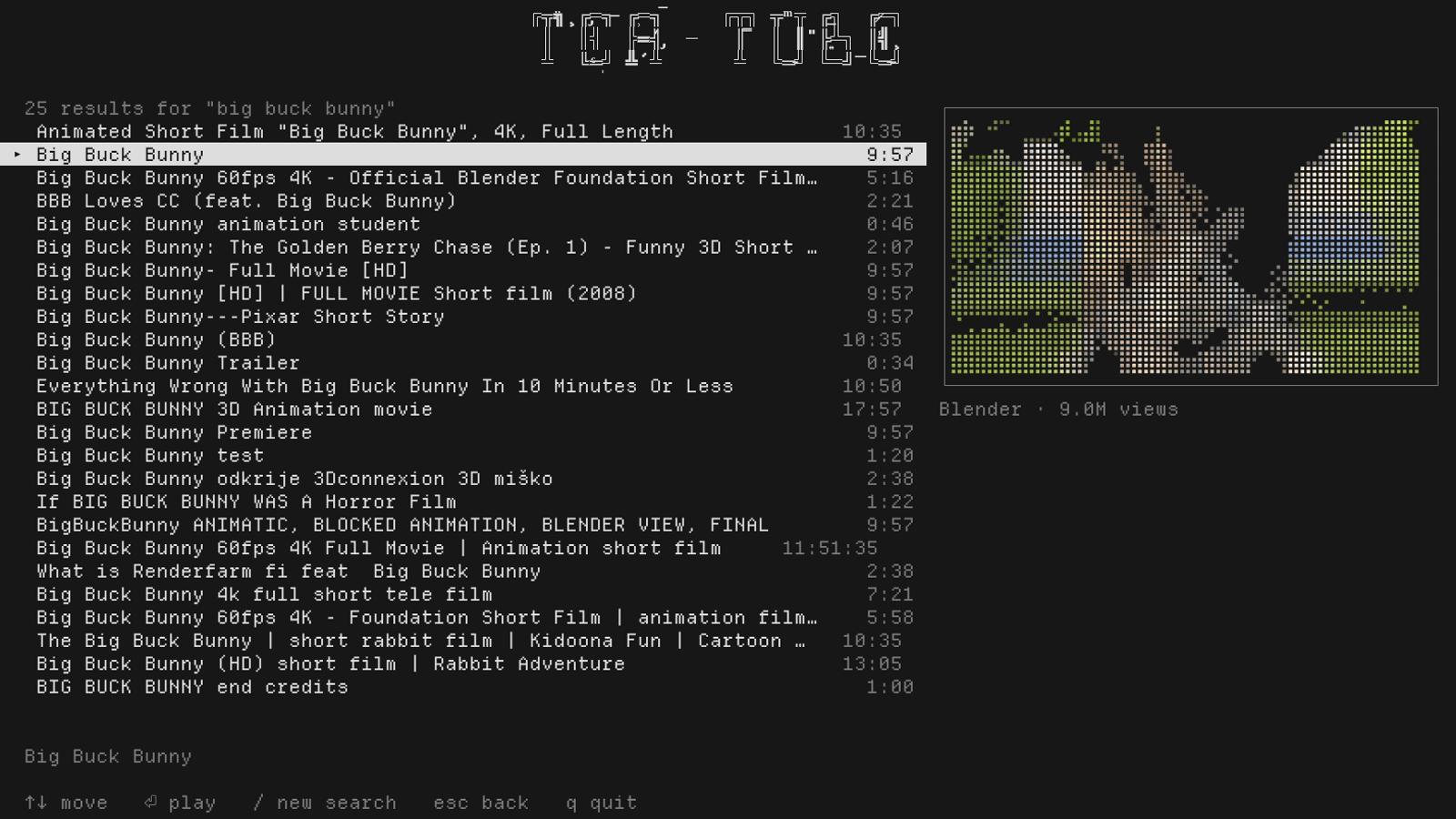
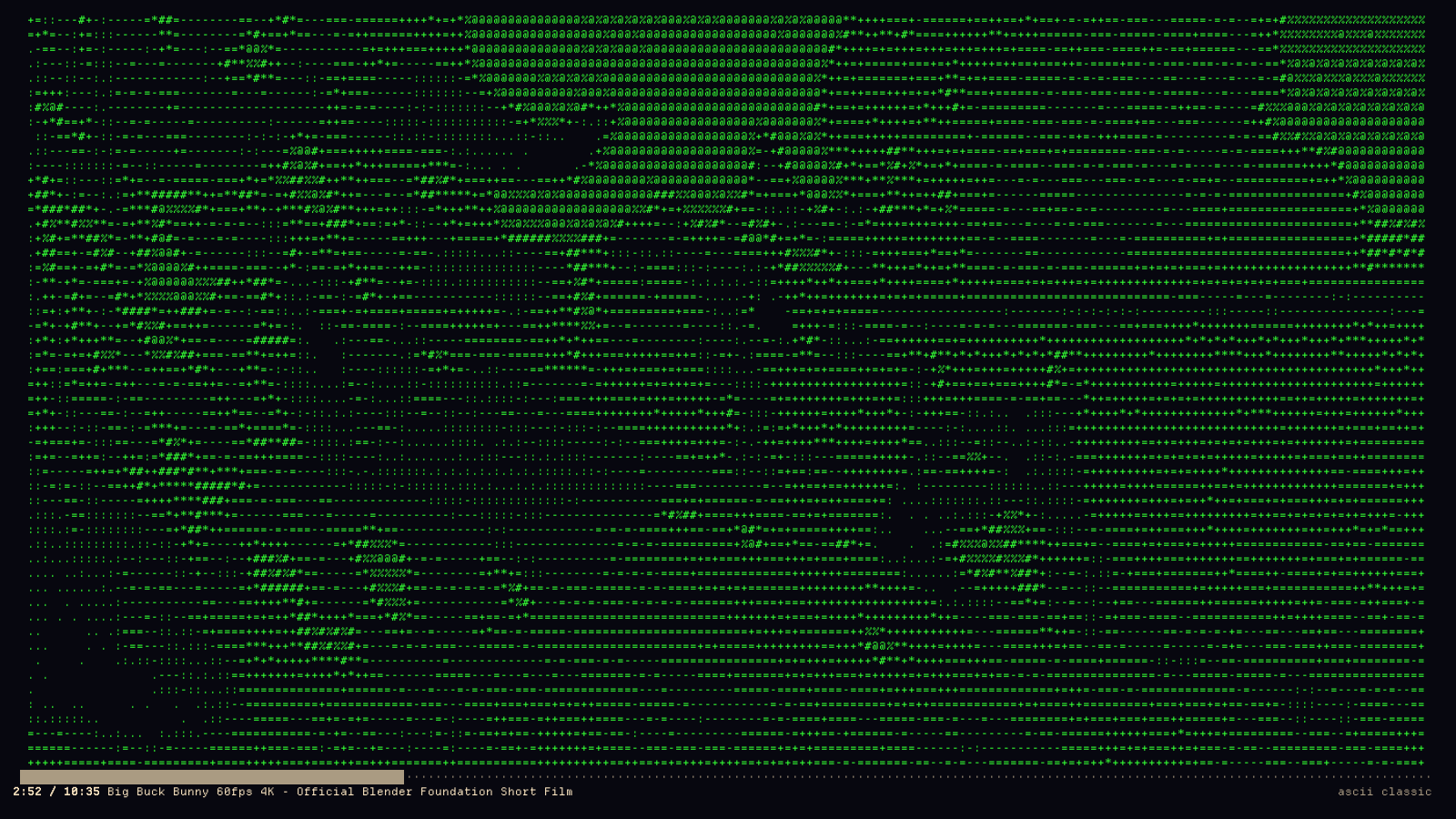
--mono phosphor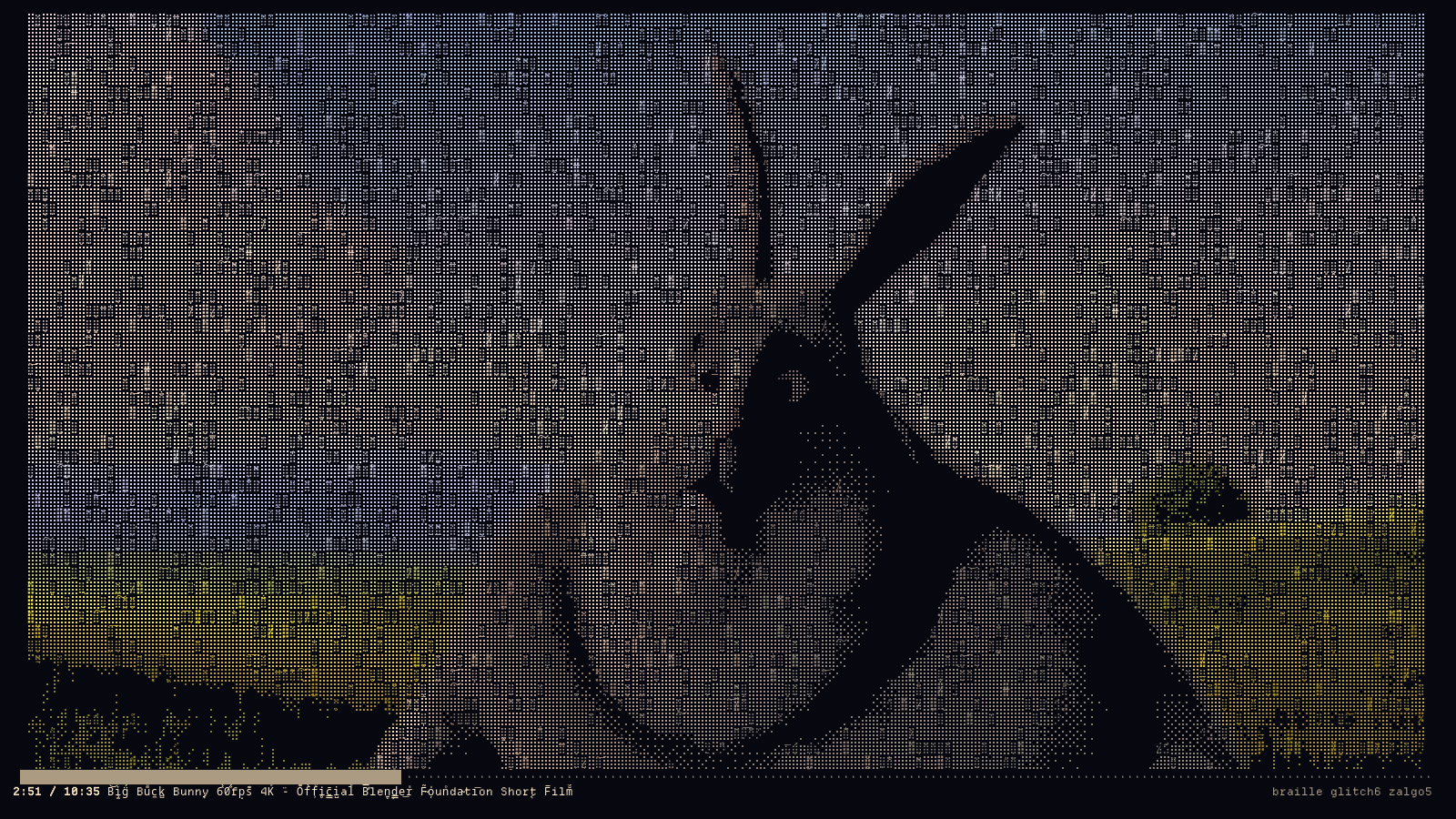
--glitch 6 --zalgo 5: torn scanlines, separated chroma, and combining
marks stacked onto the densest cells. The HUD title rots too.How it works
yt-dlp resolves a video into two direct stream URLs. mpv plays the audio one
with --no-video and doubles as the master clock — tea-tube observes its
time-pos over an IPC socket and drops or delays video frames to chase it, so A/V stays locked
across seeks and stalls.
Meanwhile ffmpeg decodes the video into two raw planes in a single pass: a luma plane at 2×4 the character grid — one pixel per braille dot — and an RGB plane at exactly the character grid — one colour per cell. Braille gives 8 sub-pixels of shape per cell; the RGB plane gives each cell a truecolor tint. Together that is 8× the spatial detail of block rendering without giving up colour.
The per-frame hot loop touches no pixels in Python. Luma is ordered-dithered with a Bayer 4×4 matrix by
adding one big integer to another, thresholded with bytes.translate, then packed into dot
bitmasks by summing eight weighted sub-planes as big integers — the dot weights total exactly 255, so no
byte can carry into its neighbour. It renders in ~1 ms/frame, so the terminal is the
bottleneck, not the CPU.
Finding something to watch
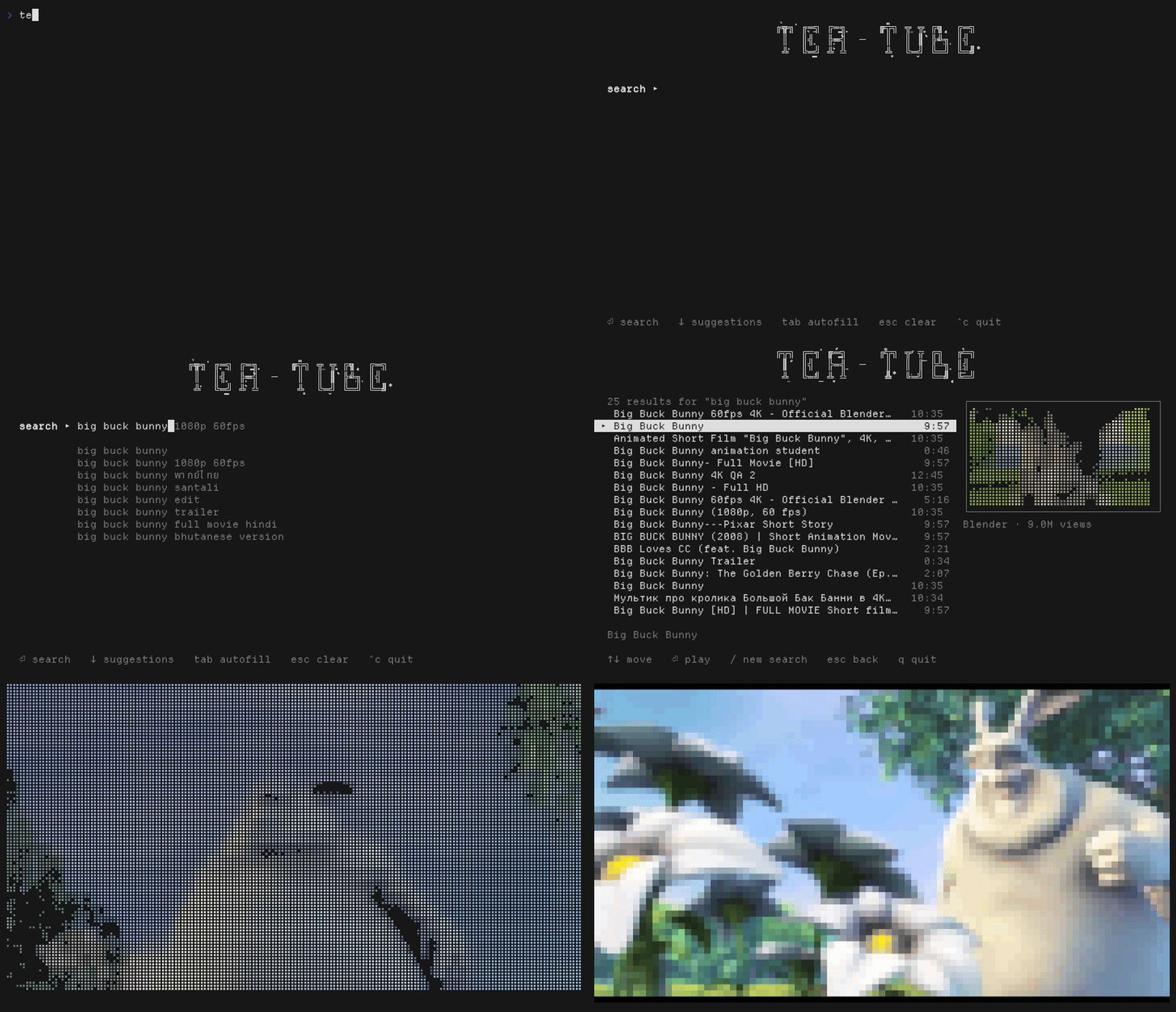
The search screen completes as you type. YouTube's own autocomplete fills the rest of the best match in
behind the cursor — → or tab takes it — and lists the alternatives underneath,
which ↓ walks into.
Results come with a preview panel: the highlighted video's thumbnail, decoded by ffmpeg
and rendered through the same braille pipeline as the video itself, so --mode,
--mono and --glitch apply to it too. Thumbnails are fetched in the background and
cached under ~/.cache/tea-tube/thumbs, so walking back up a list is instant. Below 66 columns
the panel steps aside and the list gets the full width.
When a video ends — or when you press u — tea-tube shows what is up next:
YouTube's mix for that video, the same queue the website would autoplay from. Videos outside music often
have no mix, and those fall back to a search on the title with the "(Official Video)" furniture stripped
off. Picking from that list plays it and offers its own up-next, so you can keep going without ever typing
again.
esc steps back exactly one level wherever you are — out of a video into the list that
offered it, out of that list into the one before, and out of the first list into the search box. In the
search box it drops out of the suggestion list, then clears what you typed, and stops there:
esc never quits. Leave with q from any list, or
ctrl-c / ctrl-d from the search box.
Each of the three can be turned off: --no-suggest, --no-thumbs,
--no-up-next. Suggestions are the only thing that talks to anything other than yt-dlp; if
that request fails the box carries on as a plain input.
Modes
| mode | detail | notes |
|---|---|---|
| braille | 2×4 dots/cell + colour | default; the sharp one |
| half | ▀ fg/bg | 1×2 true pixels per cell, best colour |
| ascii | character ramp + colour | four ramps |
| block | solid colour cells | no shape, pure colour |
Keys
| space k | play / pause |
| ← → | seek 5s · j l seek 30s |
| ↑ ↓ | volume |
| m | cycle render mode · r cycle ascii ramp |
| g G | glitch intensity · z Z zalgo intensity |
| n | monochrome toggle |
| u | stop and show what is up next |
| esc | back one level — never quits |
| [ ] b B c C d D | gamma, brightness, contrast, quantisation |
| 0 | reset picture |
| h s i ? | pin HUD · save frame as text · info · help |
| q | quit |
Requires
ffmpeg and yt-dlp are required; mpv gives you audio. You need a
truecolor terminal and a font with braille coverage — Omarchy's default DepartureMono Nerd Font has it.
No third-party Python packages.